

Face blur for video
Blur faces in your videos. Nothing leaves your phone.
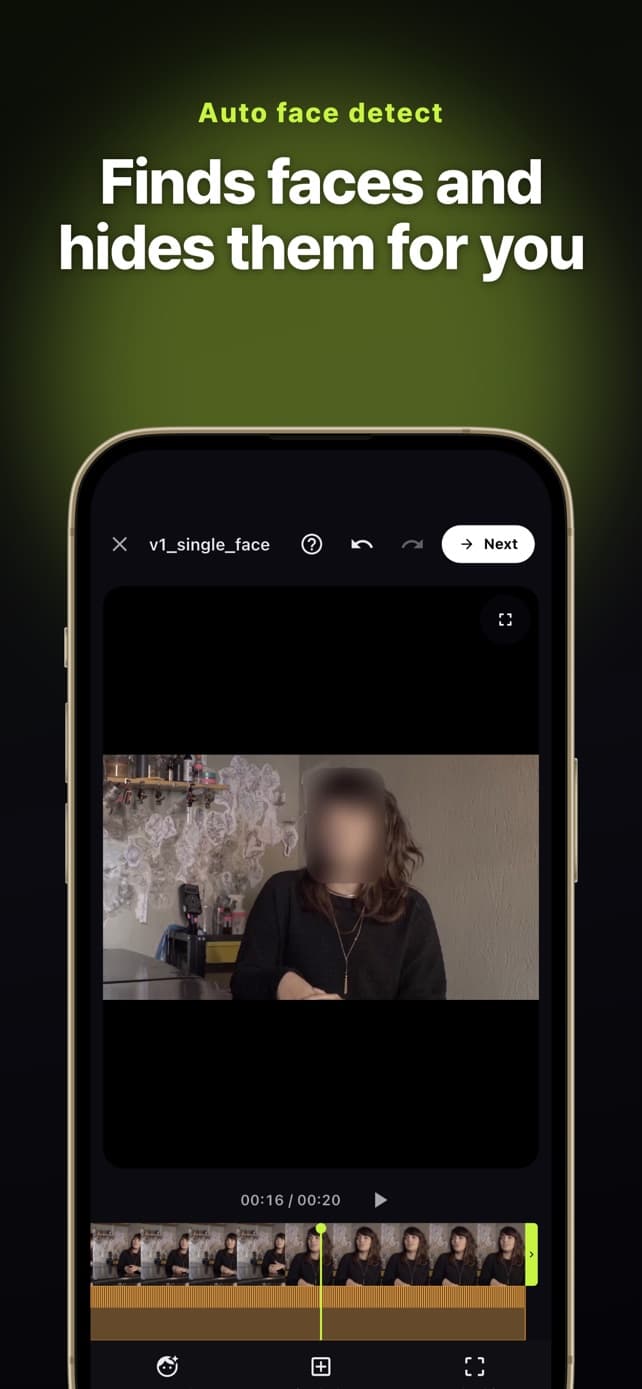
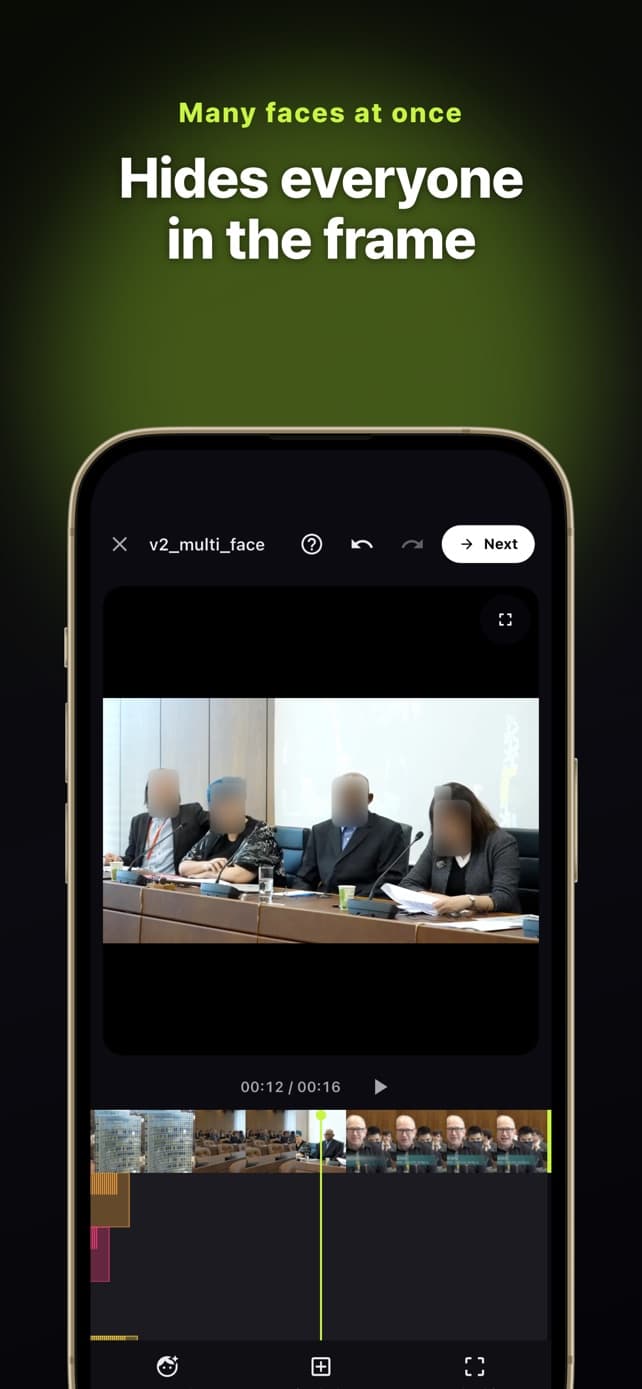
BlurOne finds every face in a video, lets you pick who to hide, and keeps the blur on them as they move.
Detection, tracking and export all run on your device. No upload, no account.
What it does
Runs entirely on your device
Your video is never sent to a server. Face detection, tracking, blurring and export all happen on the phone, so it works in airplane mode too.
Finds faces for you
Load a video and BlurOne detects the faces in it and shows them as thumbnails. Choose who to hide and it follows them through the whole clip.
Tracks anything you point at
Draw a box around a screen, a logo or any other area. BlurOne tracks it and keeps it covered from frame to frame.
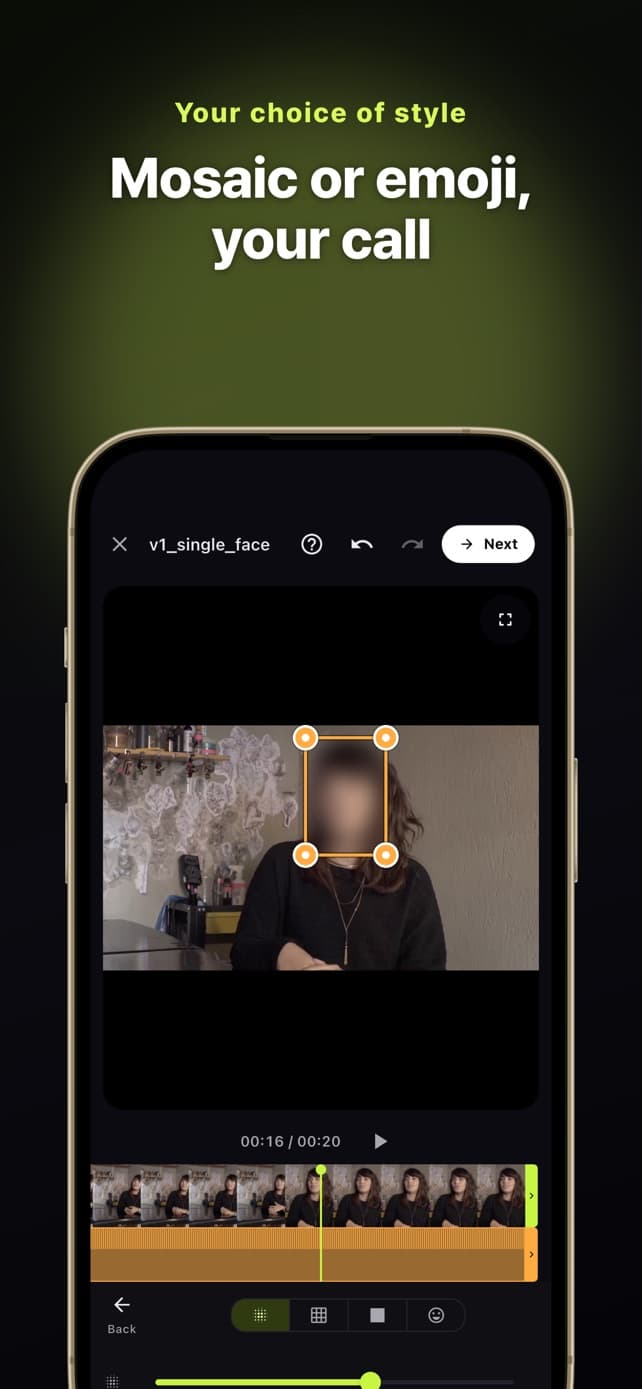
Blur, mosaic, solid colour or emoji
Pick a style and adjust the strength. What you see in the preview is what gets exported.
Trim before you export
Cut the clip down to the part you need, then export at the original quality.
No account, no watermark
Open the app and start. Exported videos carry no BlurOne logo or watermark.
At a glance
The short version, for comparing with other blur apps.
- Where video is processed
- On your device only
- Upload to a server
- None
- Works offline
- Yes, including airplane mode
- Watermark on exports
- None
- Account or sign-in
- Not required
- Price
- Free with ads. Every feature is included in the free version.
- Removing ads
- One-time purchase. There is no subscription.
- Platforms
- iPhone, iPad and Android
- Blur styles
- Blur, mosaic, solid colour, emoji
- App languages
- English, Korean, Japanese, French, German, Spanish, Italian, Portuguese
Questions
Does BlurOne upload my videos?
No. Face detection, tracking, blurring and export all run on your device. Your video, and the faces in it, are never sent to a server.
Is BlurOne free?
Yes. Every feature is available for free. The free version shows ads while it works and one short ad before export. A one-time purchase removes the ads; there is no subscription.
Does it put a watermark on my video?
No. Exported videos have no watermark or logo, in the free version as well.
Can I blur only some of the faces?
Yes. BlurOne shows the faces it found as thumbnails and you choose which ones to blur. The rest stay as they are.
Can I blur something other than a face?
Yes. Draw a box around the area you want to hide and BlurOne tracks it through the clip.
Does it work without an internet connection?
Yes. Because all processing is on the device, editing and export work offline. A connection is only used for ads and purchases.
Do I need to create an account?
No. There is no sign-up or login.
Which devices does it run on?
iPhone and iPad through the App Store, and Android phones and tablets through Google Play. Processing speed depends on the device.